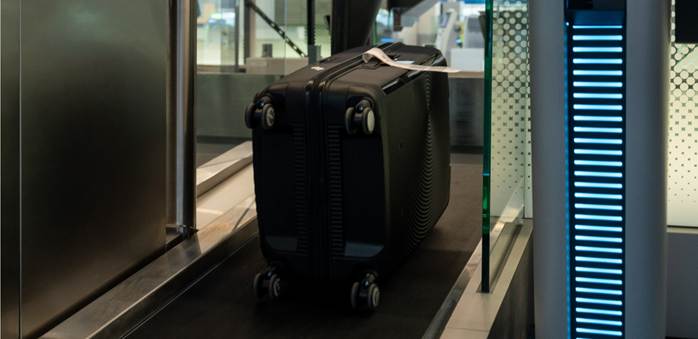
The Self-Service Facilities at Hong Kong International Airport are user-friendly and efficient solution allows you to quickly complete your check-in and luggage process, maximising your time at the airport and enhance your travel experience.
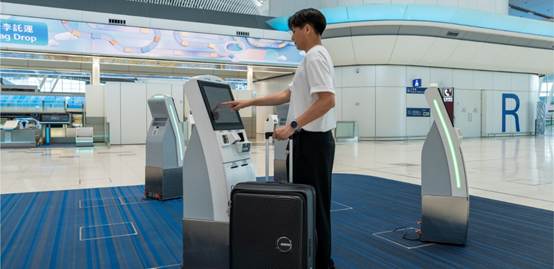
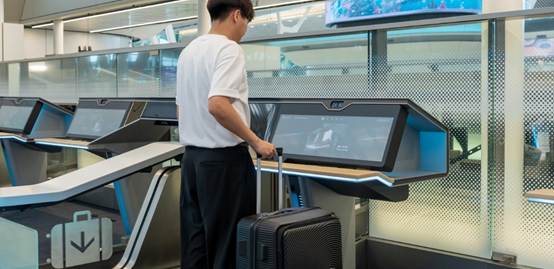
The Self-Service Facilities at Hong Kong International Airport are user-friendly and efficient solution allows you to quickly complete your check-in and luggage process, maximising your time at the airport and enhance your travel experience.
Step 1
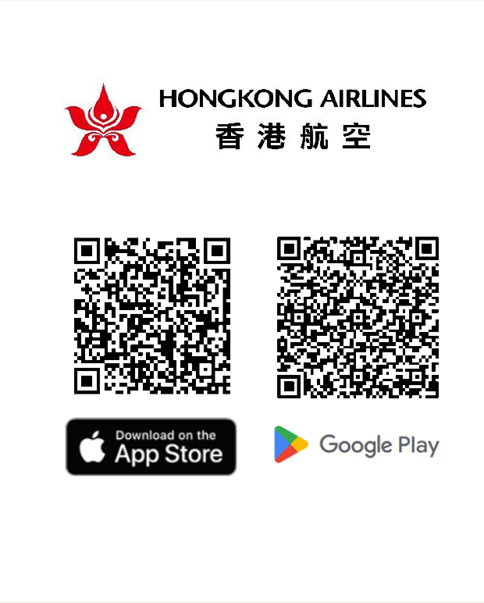
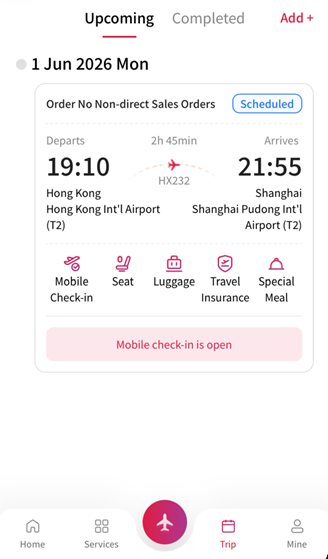
Download the Hong Kong Airlines app and complete mobile check-in before arriving at the airport.
Step 2
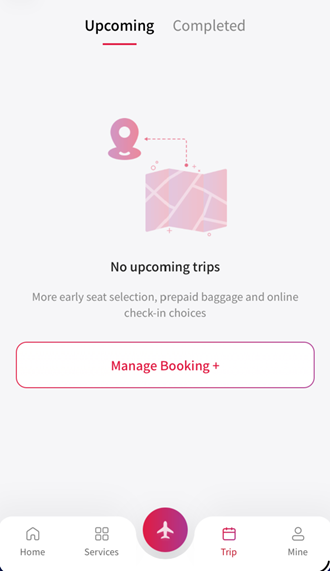
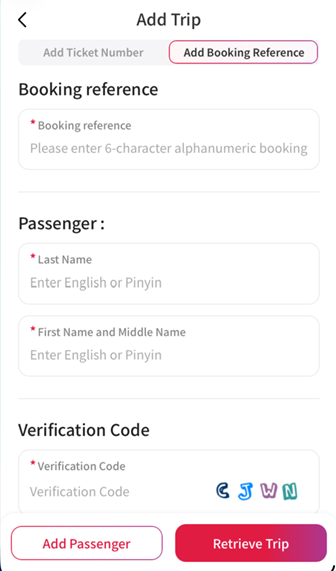
Retrieve booking records from the Hong Kong Airlines app:
1. Trip -> Manage Booking
2. Add ticket number/booking reference, name, and verification code
Step 3
Complete Your Check-in
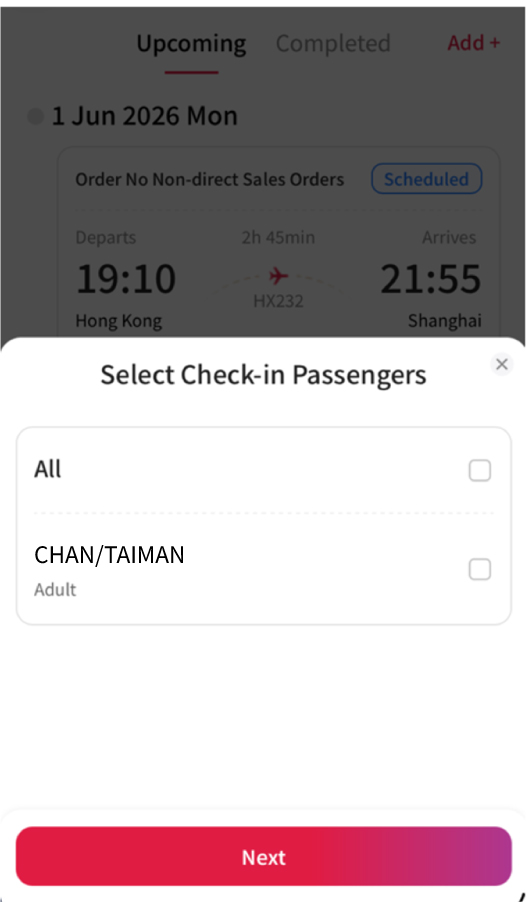
1. Tap 'Check-in' and select the passenger(s).
2. Scan your travel documents to verify your identity.
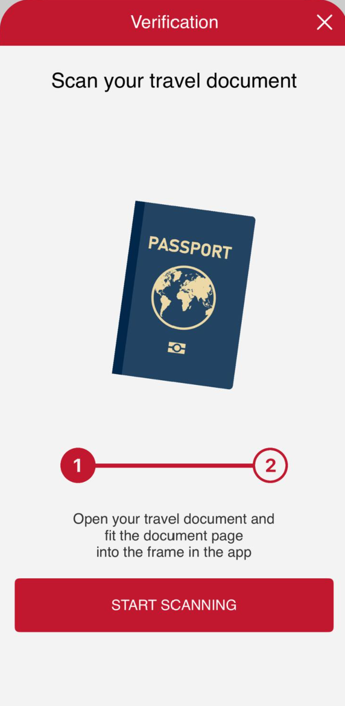
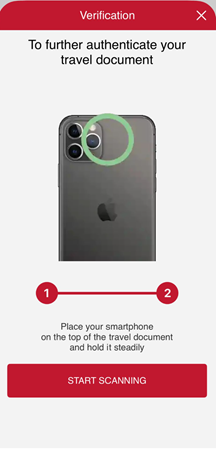
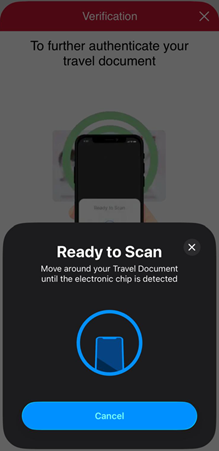
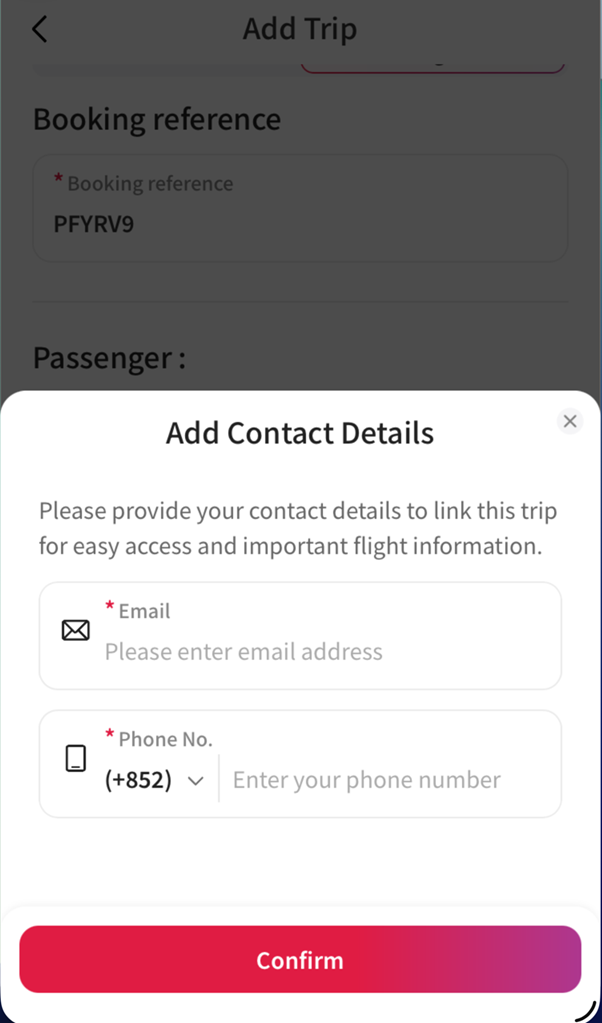
3.Input your email address and mobile phone number to obtain the mobile boarding pass.
4. Follow the instructions to select your seat, prepay for excess baggage (if needed), and acknowledge the safety advice.
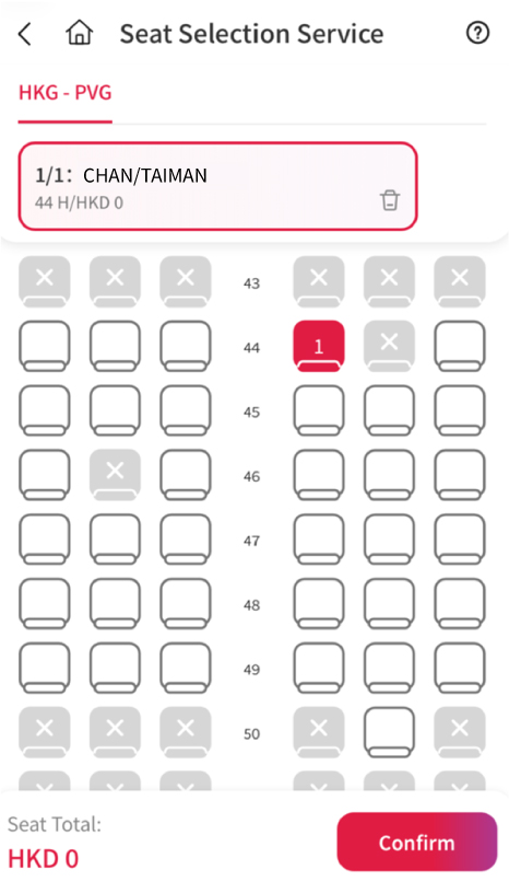
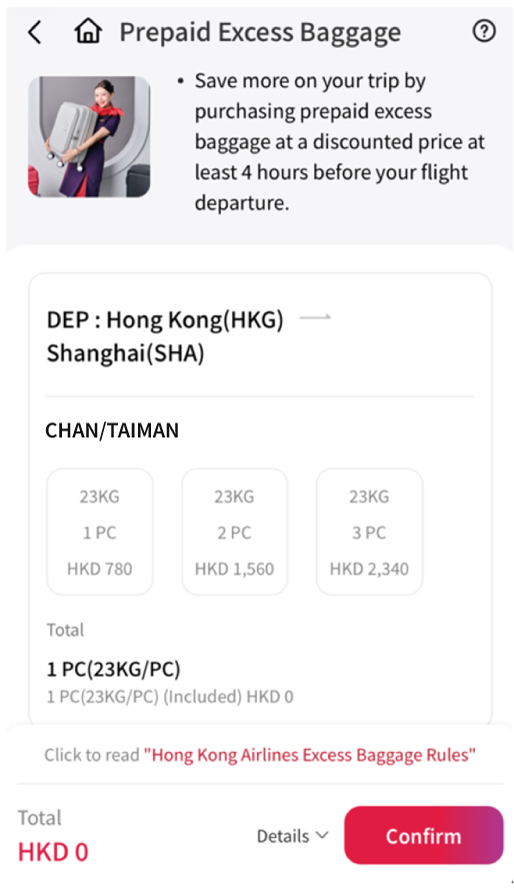
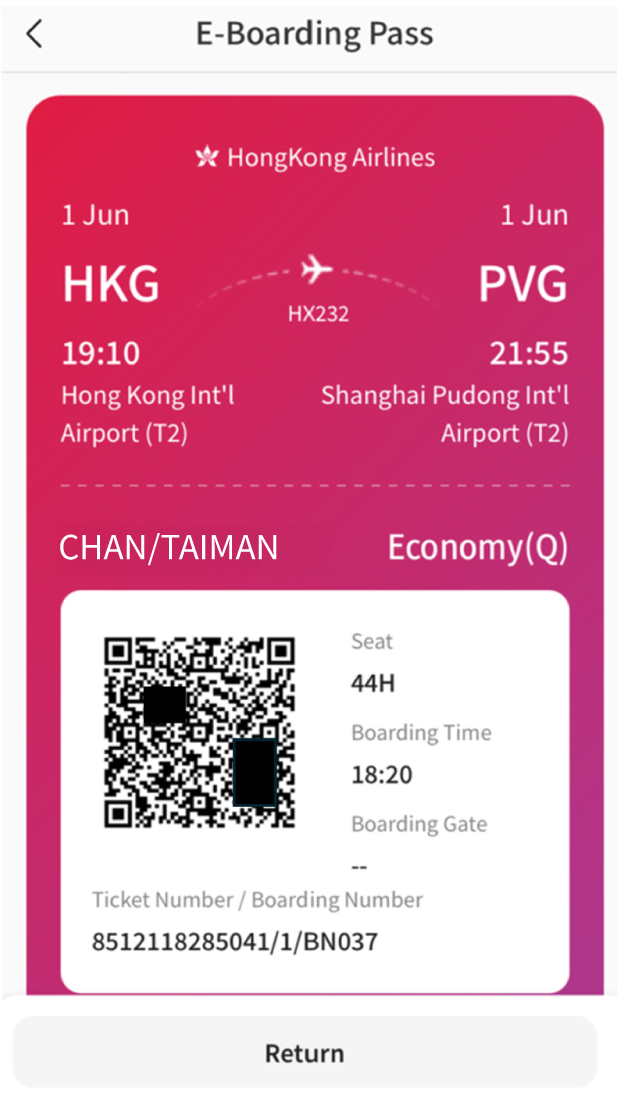
5. You will receive a mobile boarding pass upon completion.
Step 6
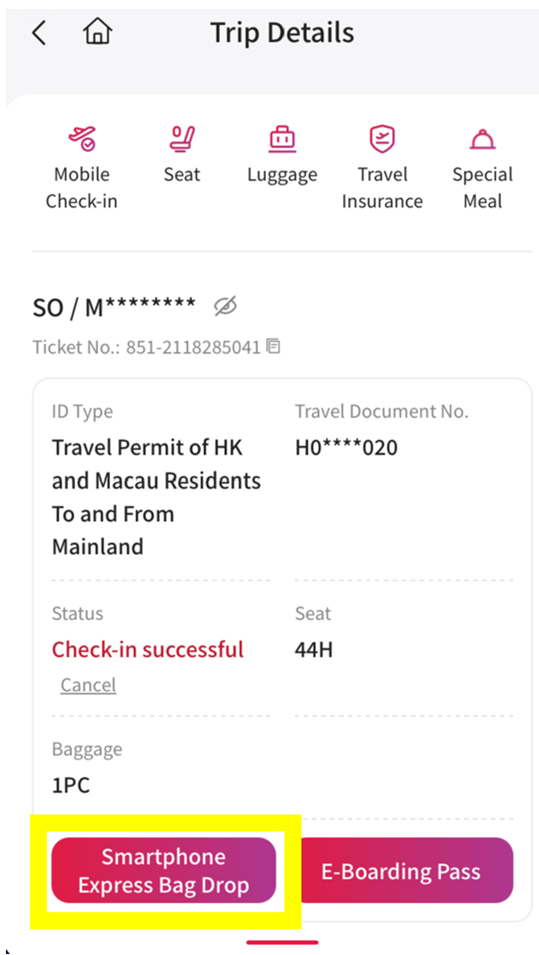
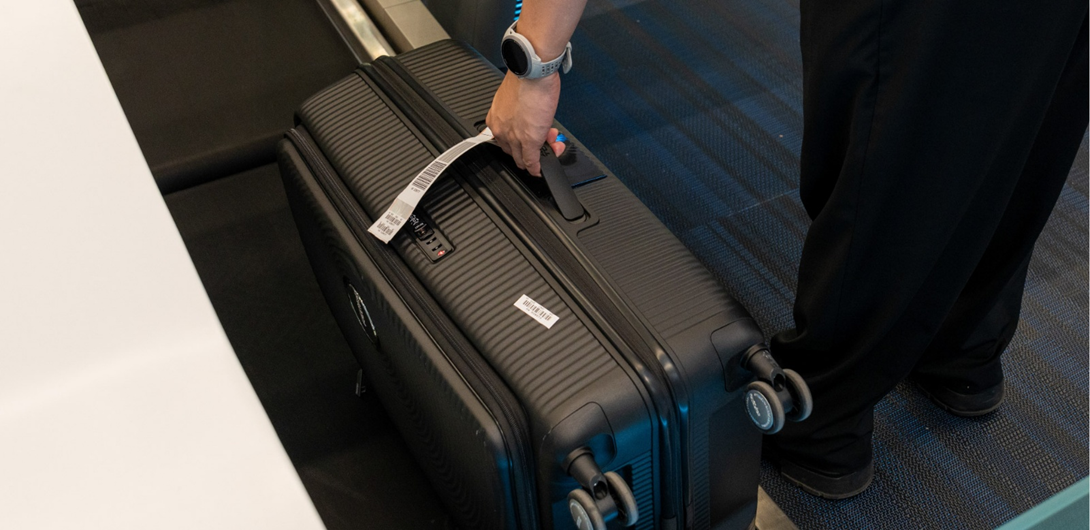
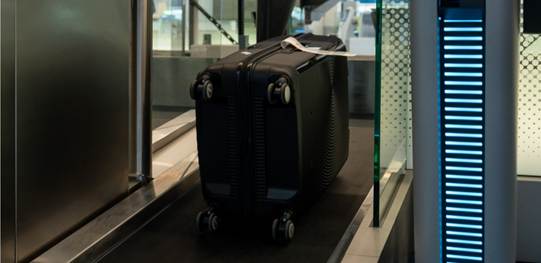
When you arrive at the Self Bag Drop counters in Aisle R, S or other aisles, open your check-in record in the Hong Kong Airlines app, select ‘Express Self Bag Drop’, and place your luggage on the conveyor belt.
Step 7
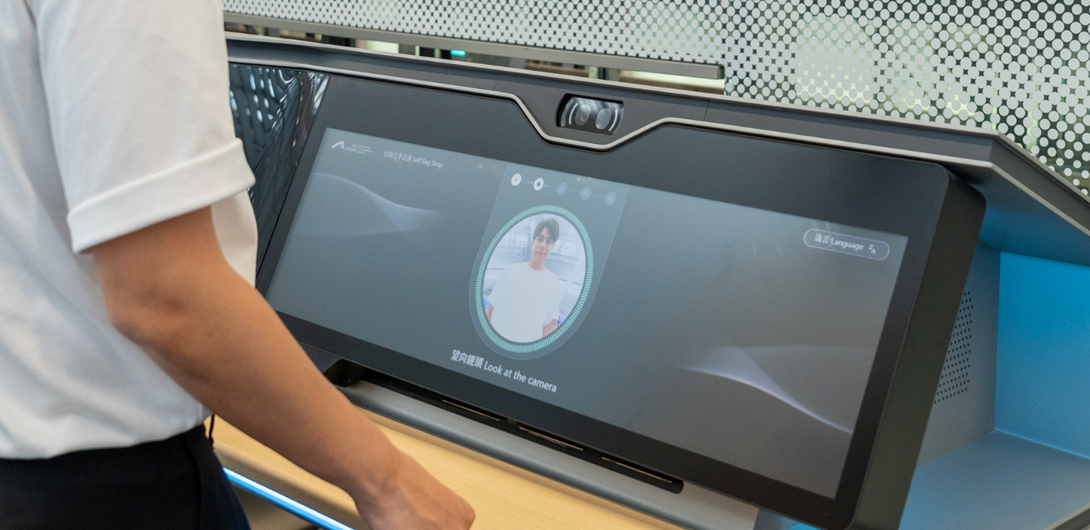
The system will automatically perform a facial scan to verify your identity. This process involves capturing your facial image and matching it with the system records. This facial recognition technology helps ensure that baggage is checked in by the correct passenger.
Step 8
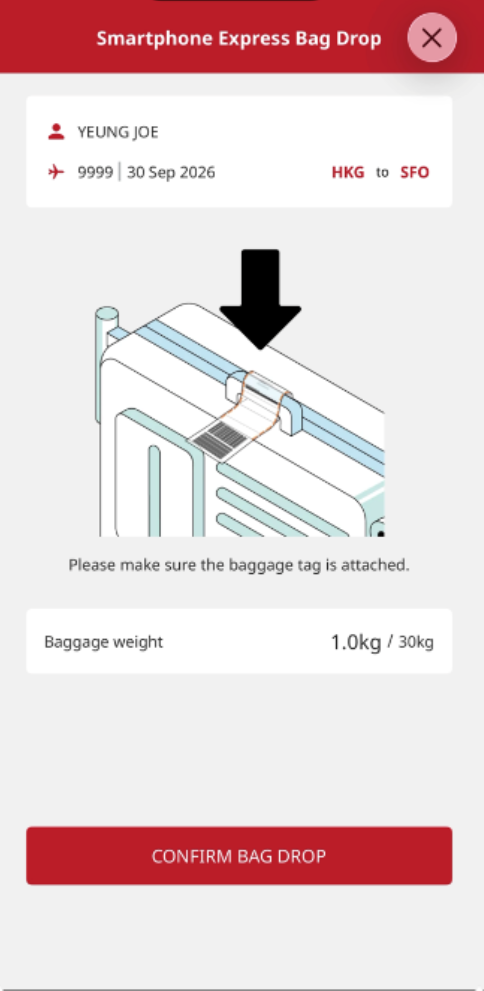
Once your identity is verified, your baggage will be automatically processed and sent for loading
Step 1
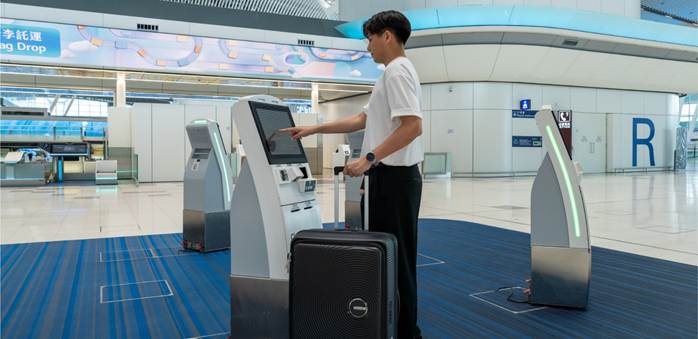
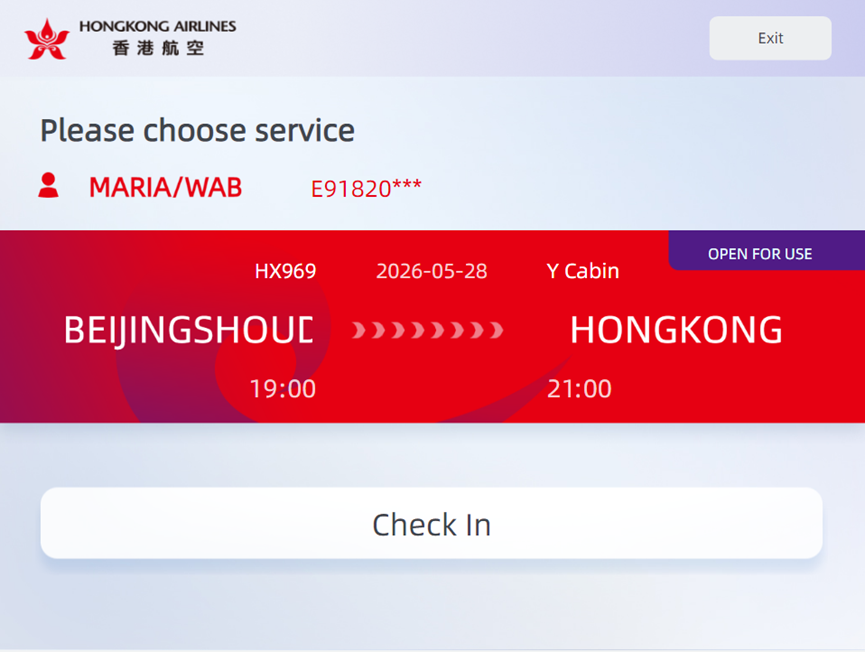
Upon arrival at the airport, passengers should proceed to the Smart Check-in Kiosks at Aisle R, S or other aisles to complete their check-in procedures.
Step 2
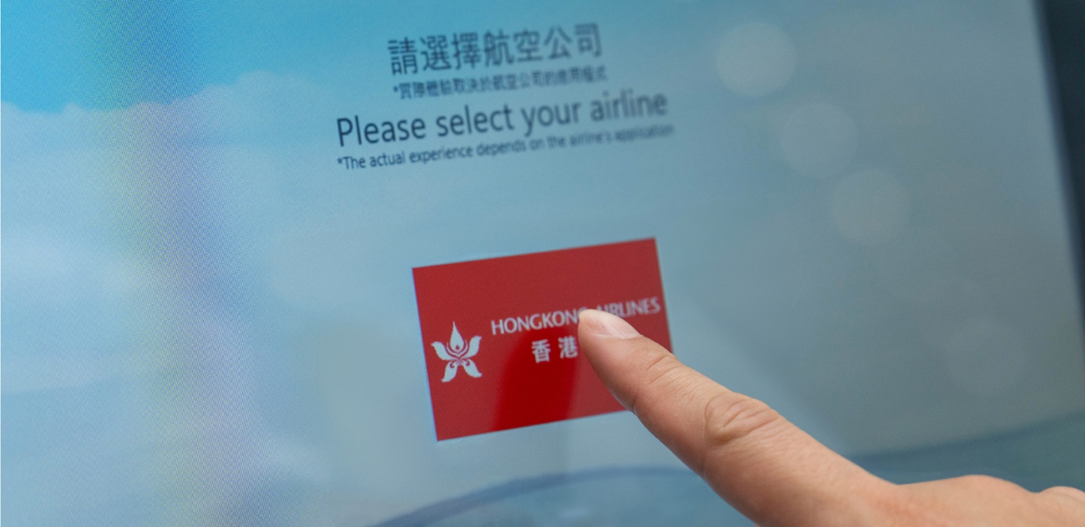
Retrieve your booking at the Smart Check-in kiosk by choosing one of the following options:
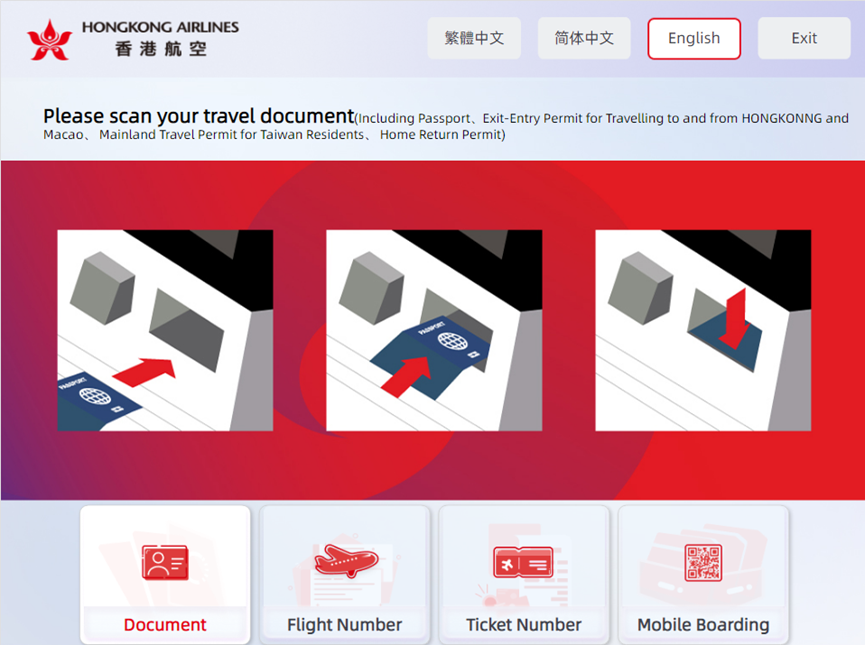
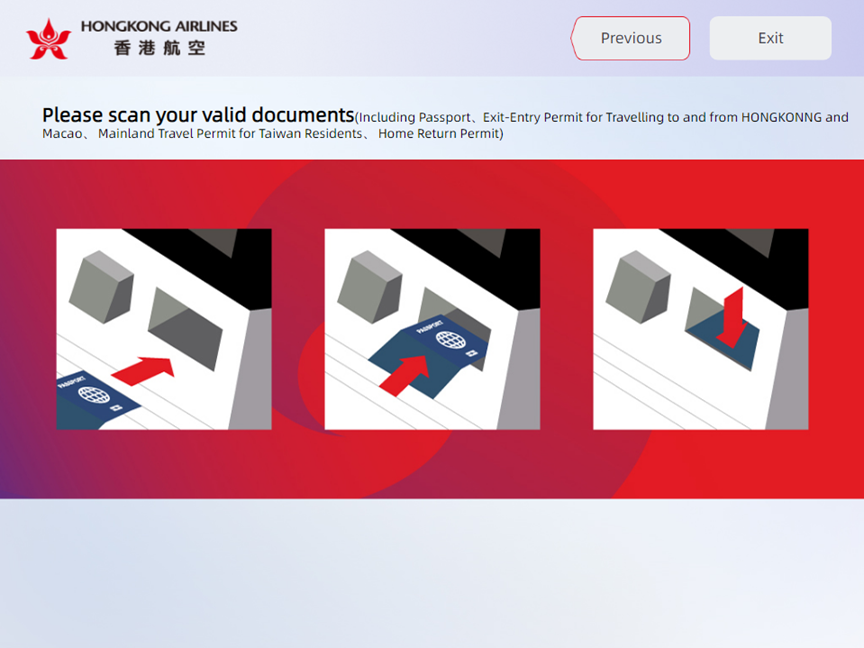
1.Scanning your travel document
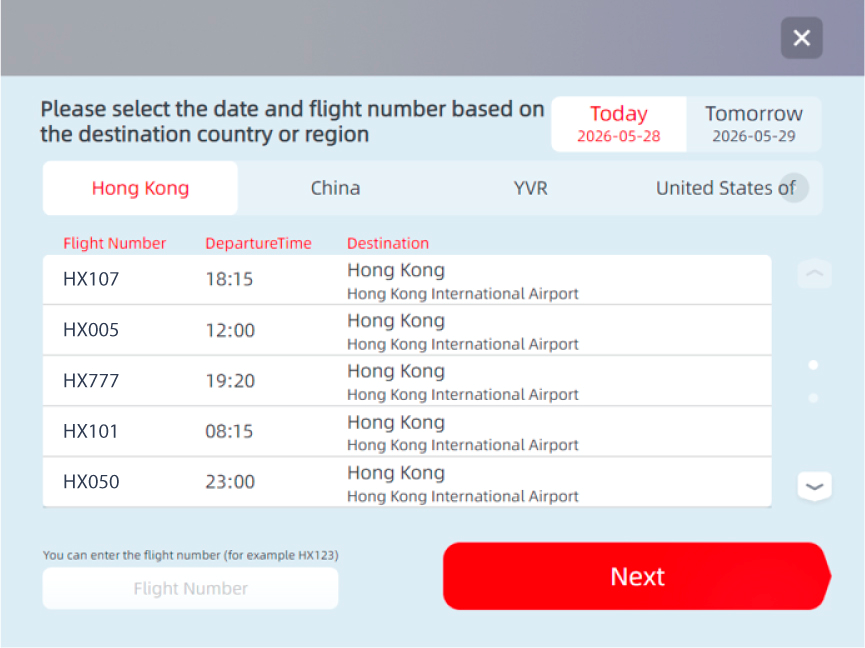
2. Input the flight number
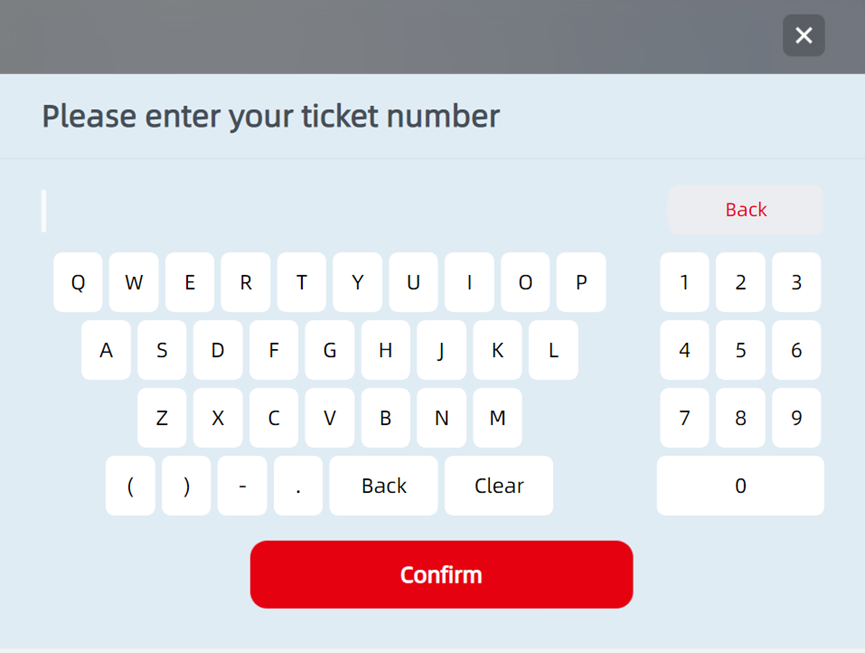
3. Input the ticket number
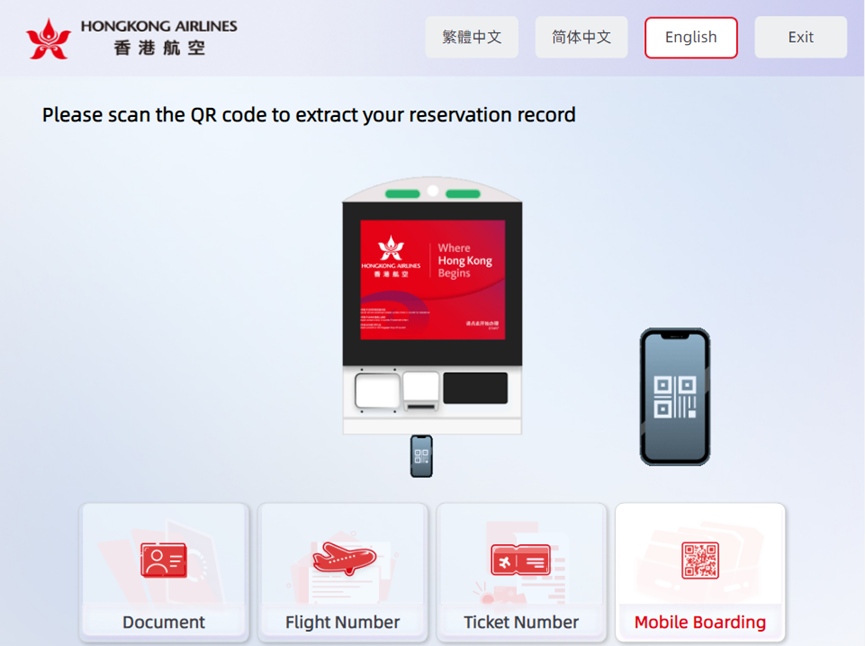
4.Scan mobile boarding pass (For passengers with mobile check-in only)
Step 3
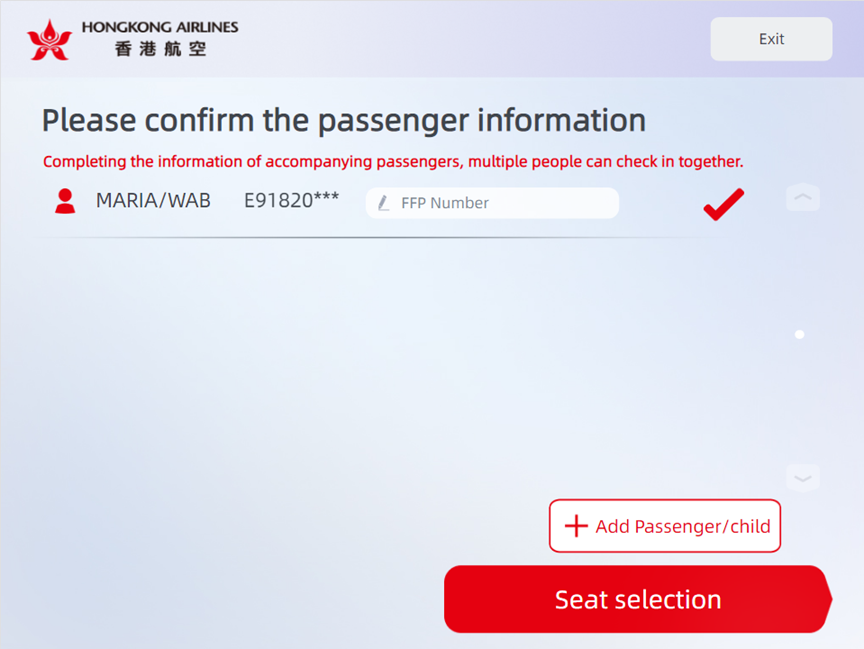
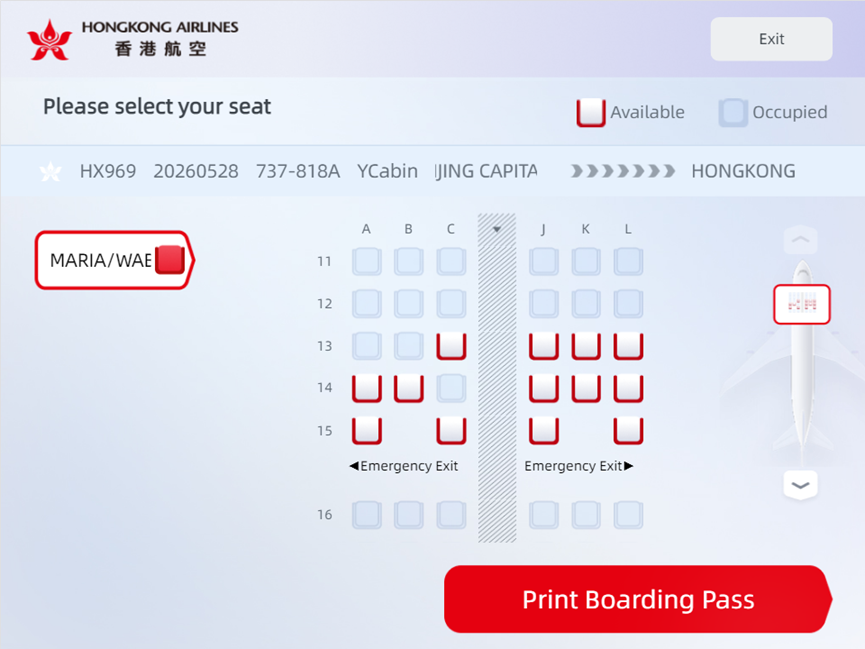
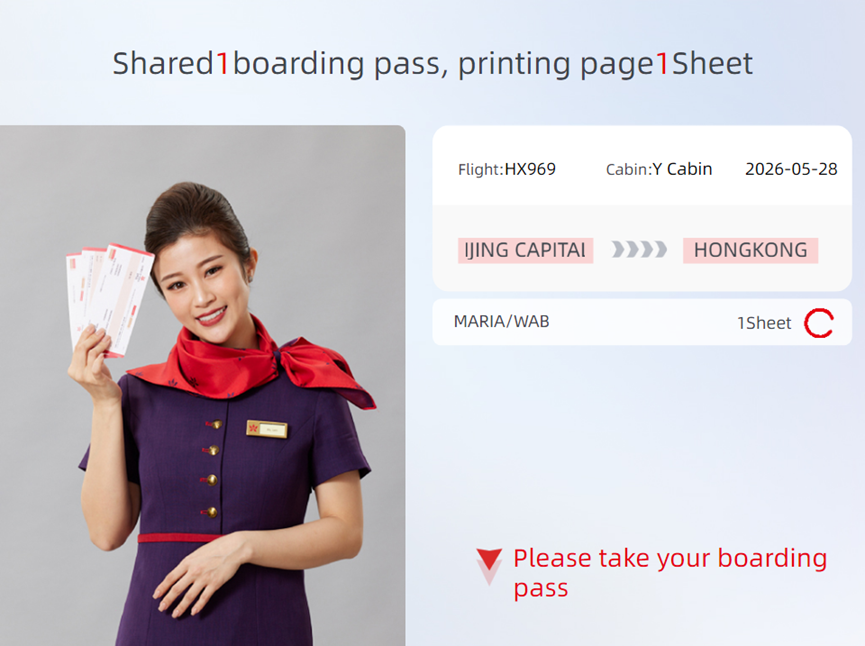
Once your flight details appear on the screen, simply follow the prompts to select your seat and print your boarding pass.
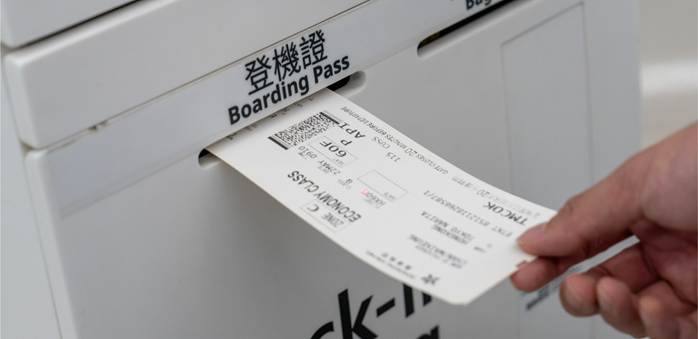
Step 4
Follow the on-screen instructions to process your checked baggage. Remember to collect your baggage tags once they are printed.
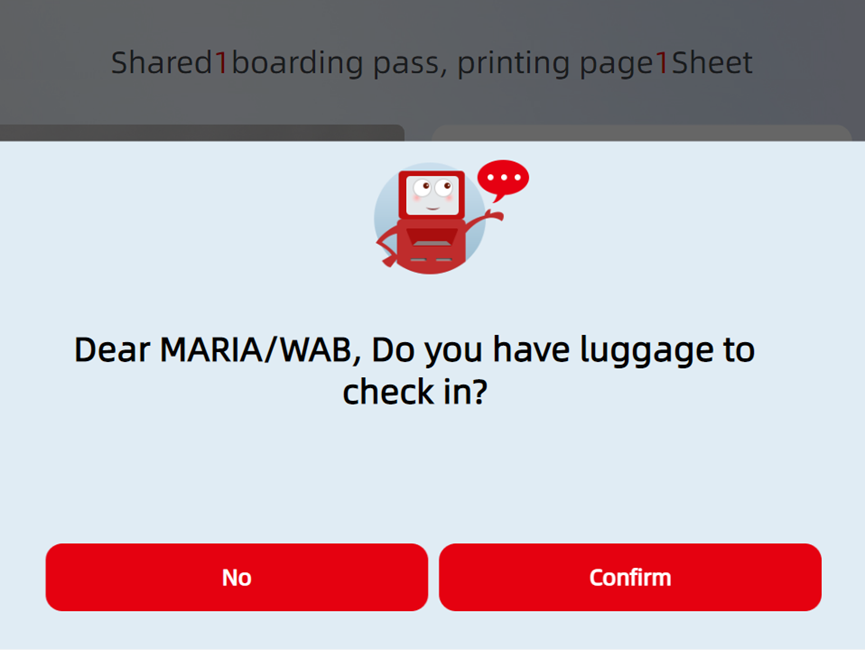
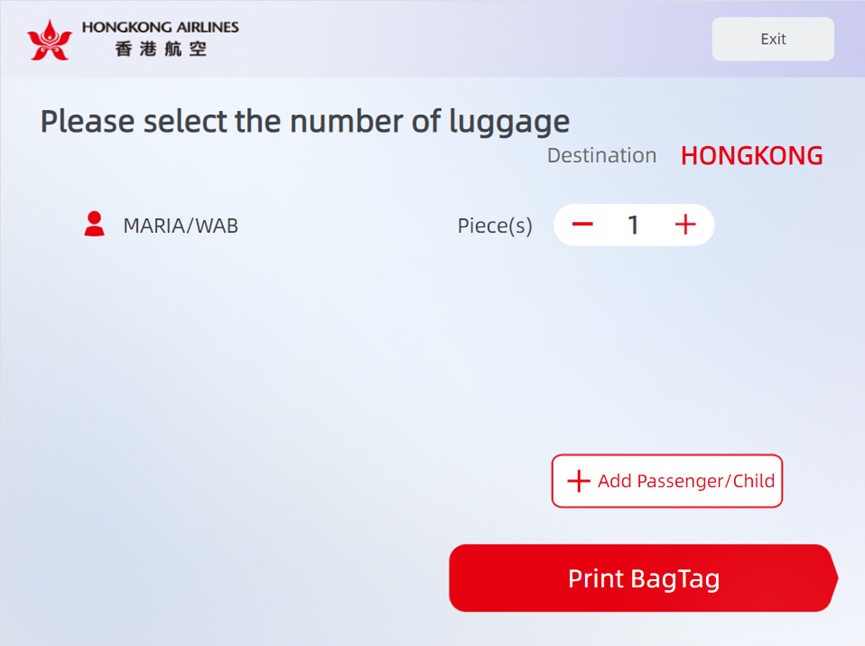
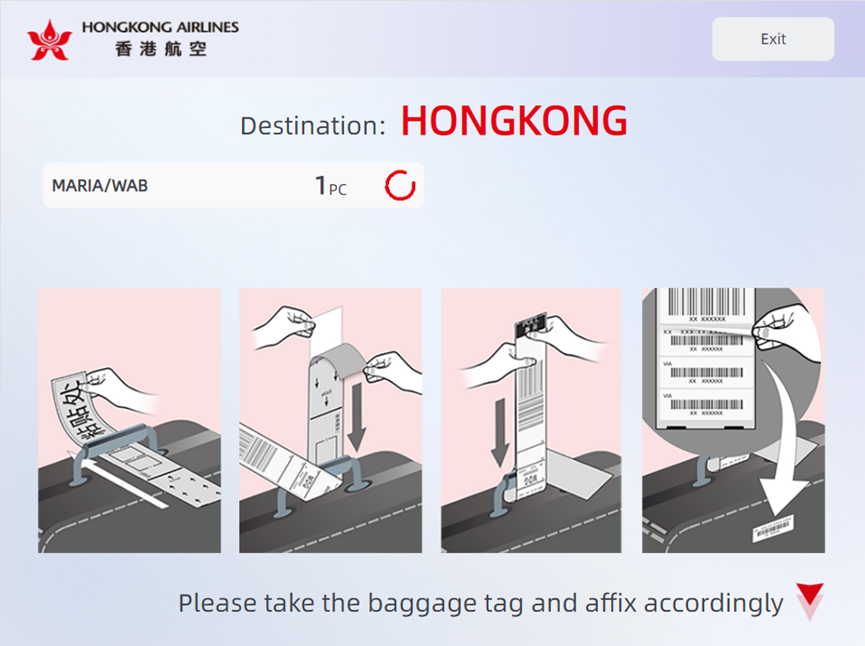
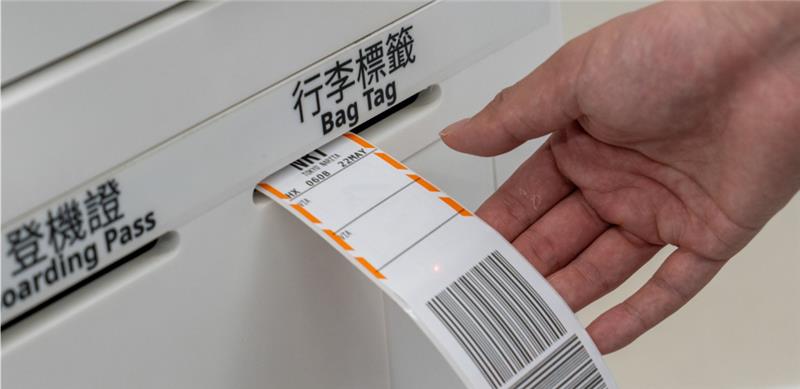
Step 5
Fasten your baggage tags securely and make sure they are clearly visible for easy identification.
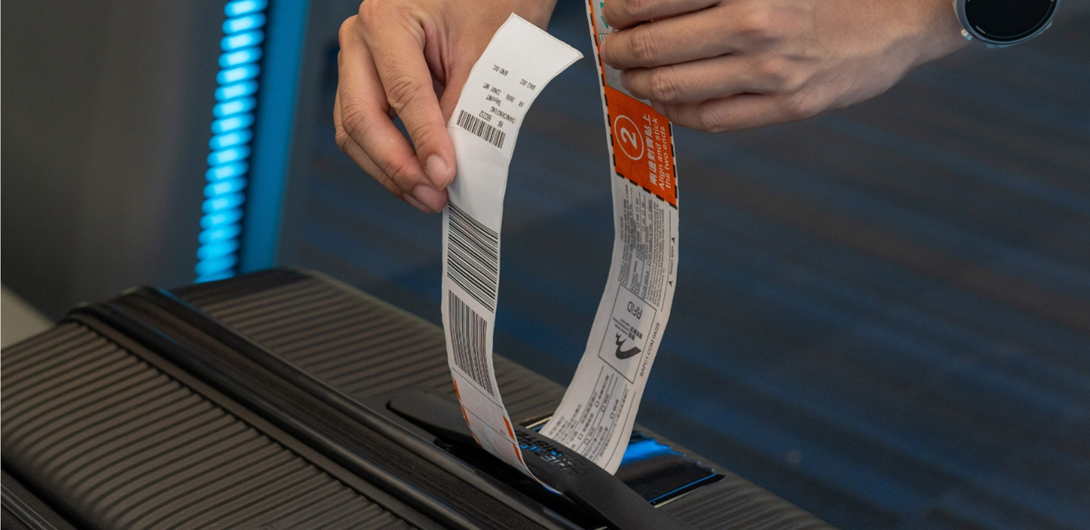
Step 6
Proceed to the designated Self Bag Drop Counter and place your baggage onto the conveyor belt.
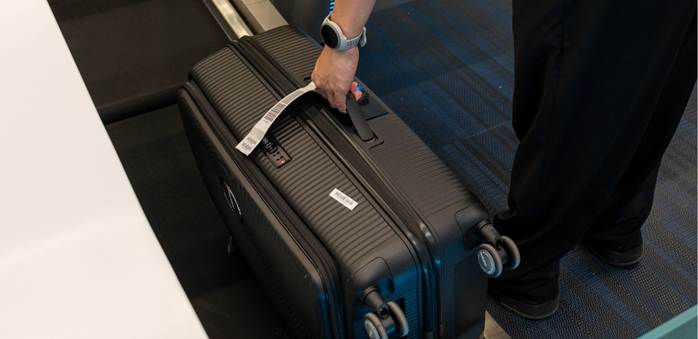
Step 7
The system will automatically perform a facial scan to verify your identity. This process involves capturing your facial image and matching it with the system records. This facial recognition technology helps ensure that baggage is checked in by the correct passenger.
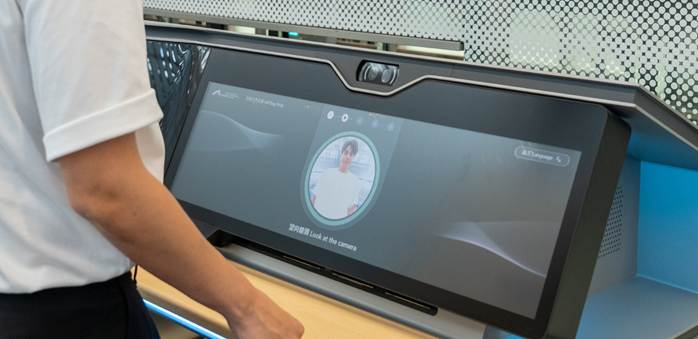
Step 8
Once your identity is verified, your baggage will be automatically processed and sent for loading.